How to create forms in Snapsbrew
Forms are available on paid workspaces. Not subscribed yet? Compare plans.
Introduction
Snapsbrew forms transform a template (or a template collection) into a structured request portal. You decide which layers are editable, teammates fill out the form, and Snapsbrew generates the snap automatically. It keeps your brand on track and your team out of design tools.
Prepare your template or collection
- Open the template editor and confirm every layer you want to expose has a clear key. Rename layers if necessary.
- Ensure at least one layer exists—forms can only be created when there are editable elements.
- If you prefer to manage a group of assets together, create a template collection first. Forms can link to either a single template or an entire collection.
Create a new form
- From the dashboard, open the template (or collection) detail page.
- Click the Forms tab and select New form.
- Name your form and choose whether submissions should produce images or PDFs.
Snapsbrew stores forms per company, so only teammates in your workspace can manage or delete them.
Configure the fields stakeholders will edit
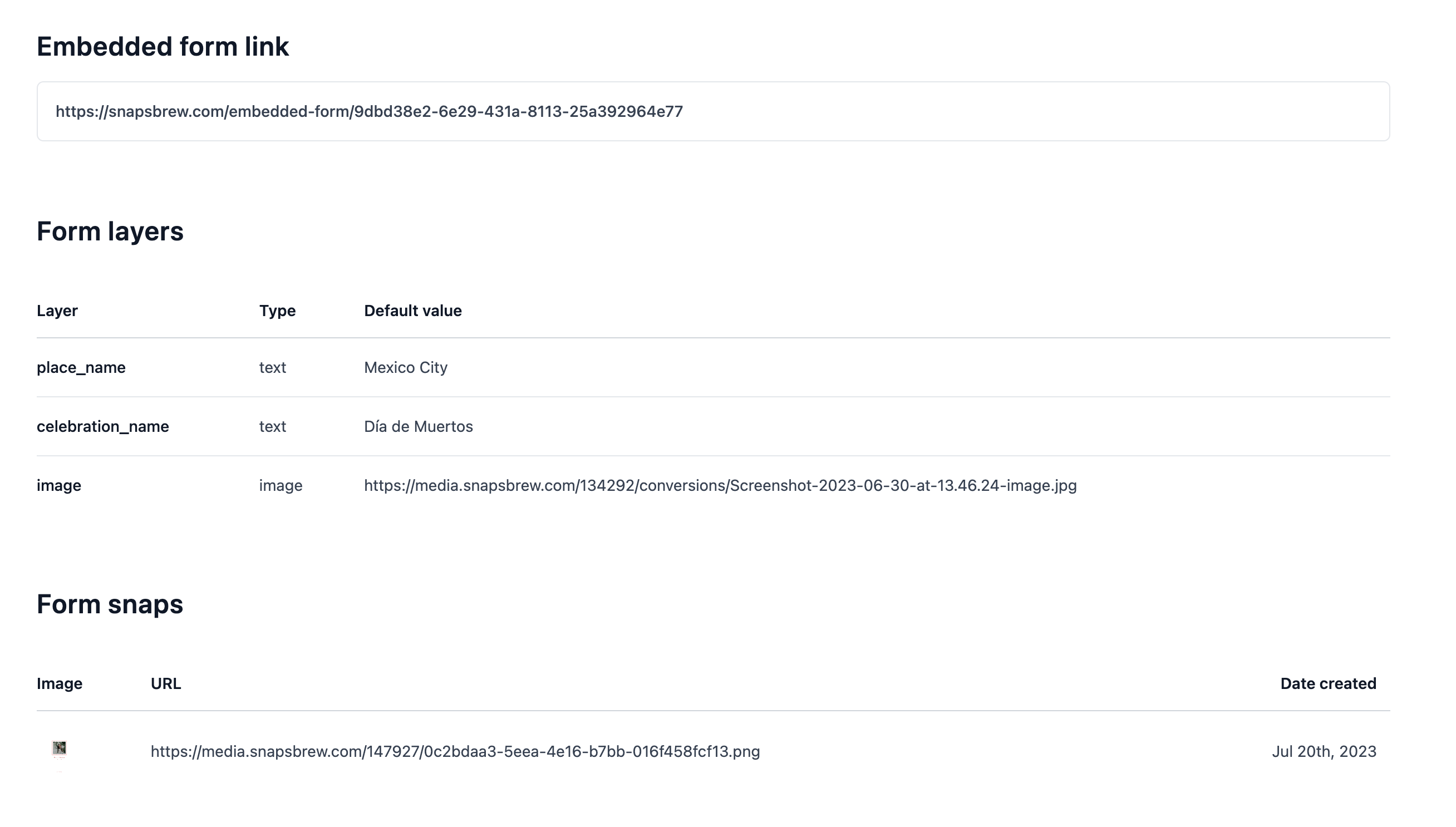
The editor shows all available layers. Toggle the ones you want collaborators to update. For each layer Snapsbrew automatically:
- Sets the input type (text, image upload, color) based on the layer type.
- Pre-fills default values using the template’s current content.
- Stores the layer key so submissions map back to the template correctly.
Keep instructions concise—add helper text directly in the layer description so submitters know what to share.
Share the form securely
Once you save the form, Snapsbrew generates signed URLs for viewing and submitting. Copy the Embed URL to host the form on your site or send the Share link directly to stakeholders.
Signed links expire if someone tampers with the payload, protecting you from unauthorized requests. Regenerate them anytime from the form settings.
Track incoming requests
The form detail page shows every snap created through that form along with timestamps and download links. Use the usage counter to estimate how many credits you need and archive old forms when a campaign ends.
Ready to go further? Pair your form with an automation by using the Snaps API so submissions trigger webhook-driven workflows.